Example Project
Overview
The example project demonstrates the functionality of django-pint-field. The project contains two main apps: example and laboratory, which showcase different aspects of the package.
Apps
Example App
The example app provides basic demonstrations of the field types and their usage with:
Model Examples: Using
IntegerPintFieldandDecimalPintFieldto store and retrieve Pint quantities in the database.REST Framework Integration: Integration with Django REST Framework (DRF) and Django Ninja to demonstrate how to serialize and deserialize Pint quantities in APIs.
Admin Interface Customization: Customizing the Django admin interface to display Pint quantities.
Form Handling: Handling Pint quantities in Django forms.
Cache Integration: Integration with
django-cachalotanddjango-cacheopsfor caching specific models and for testing serialization.
This app is primarily used for automated testing.
F.L.M.N. Laboratory App
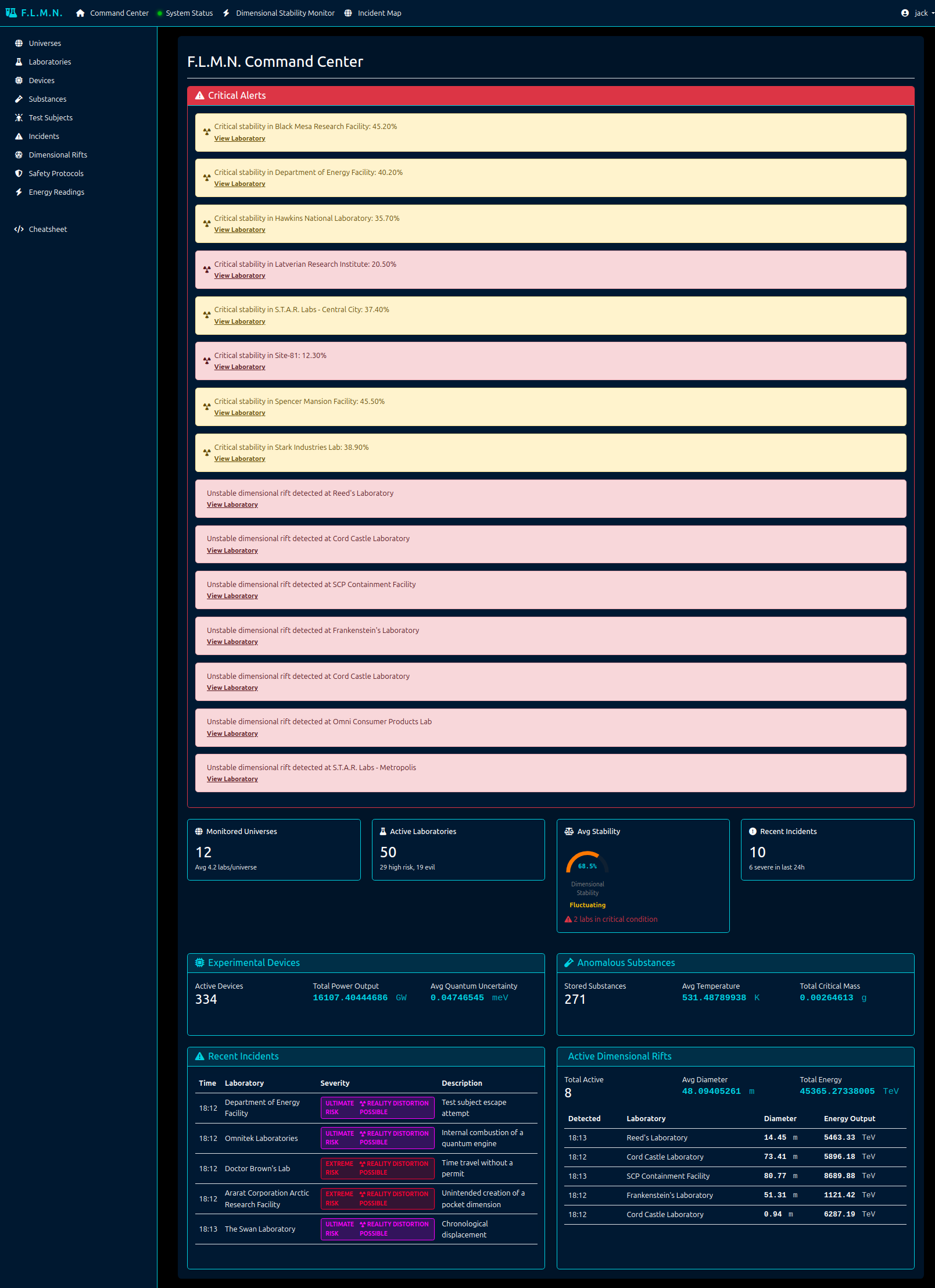
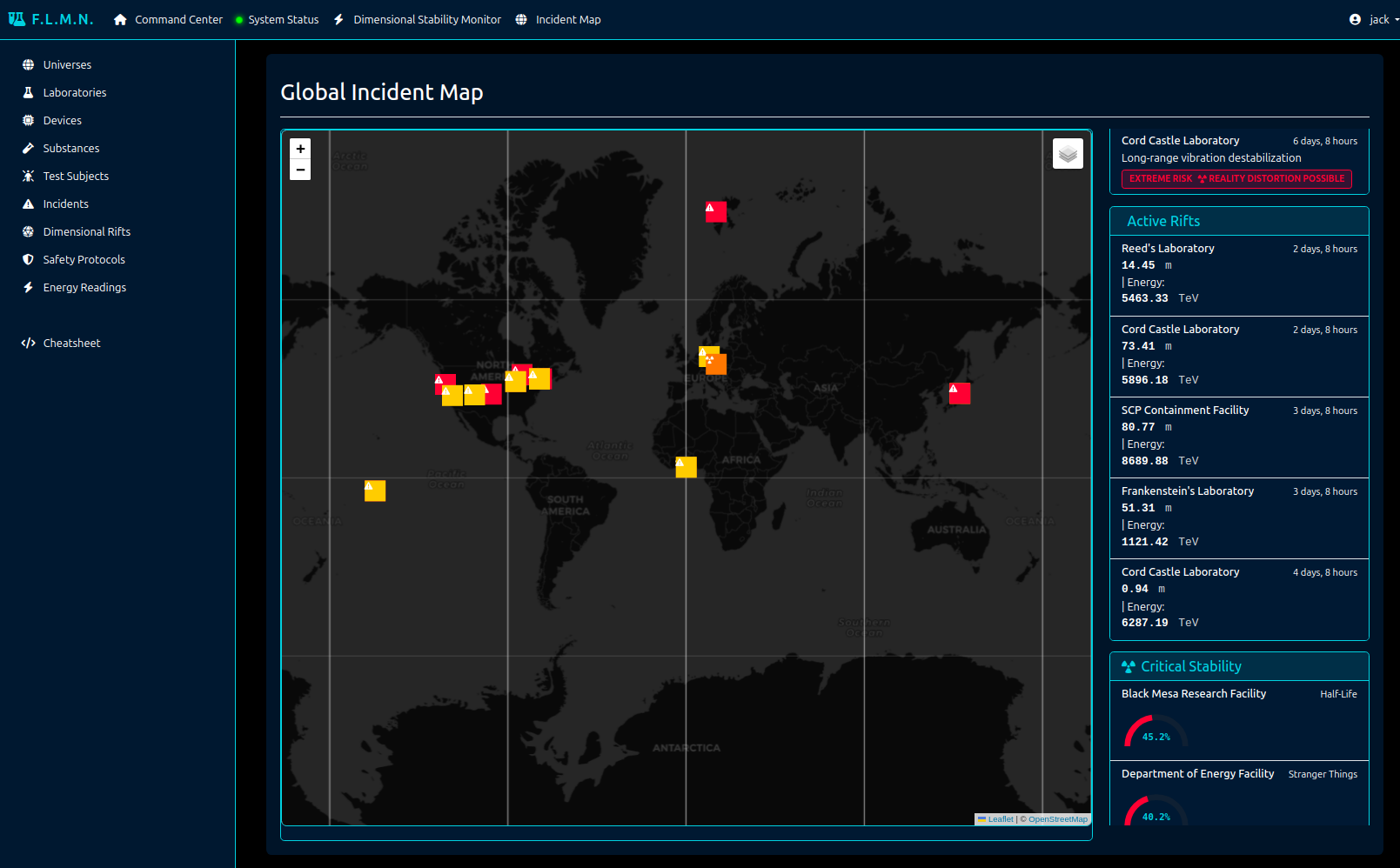
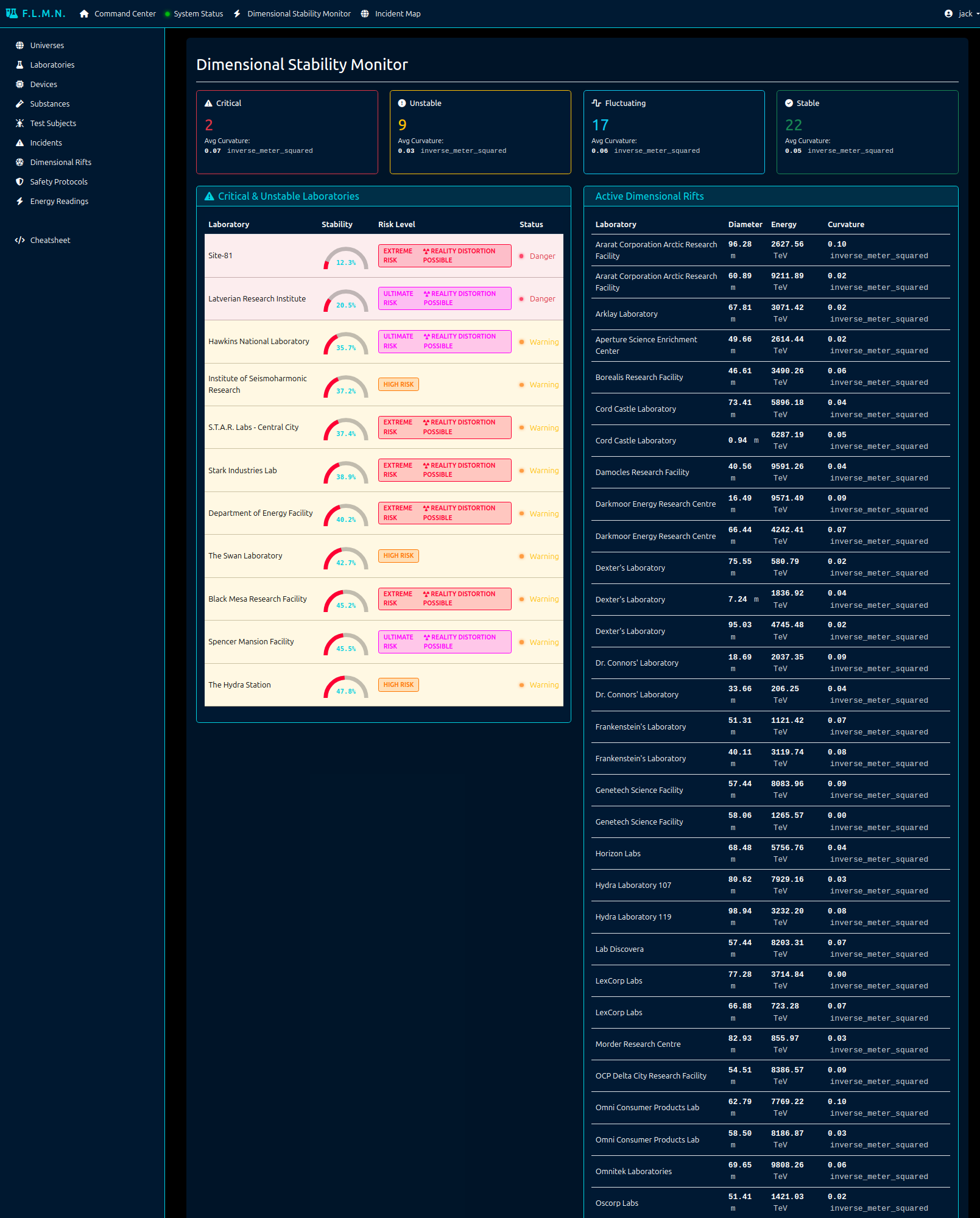
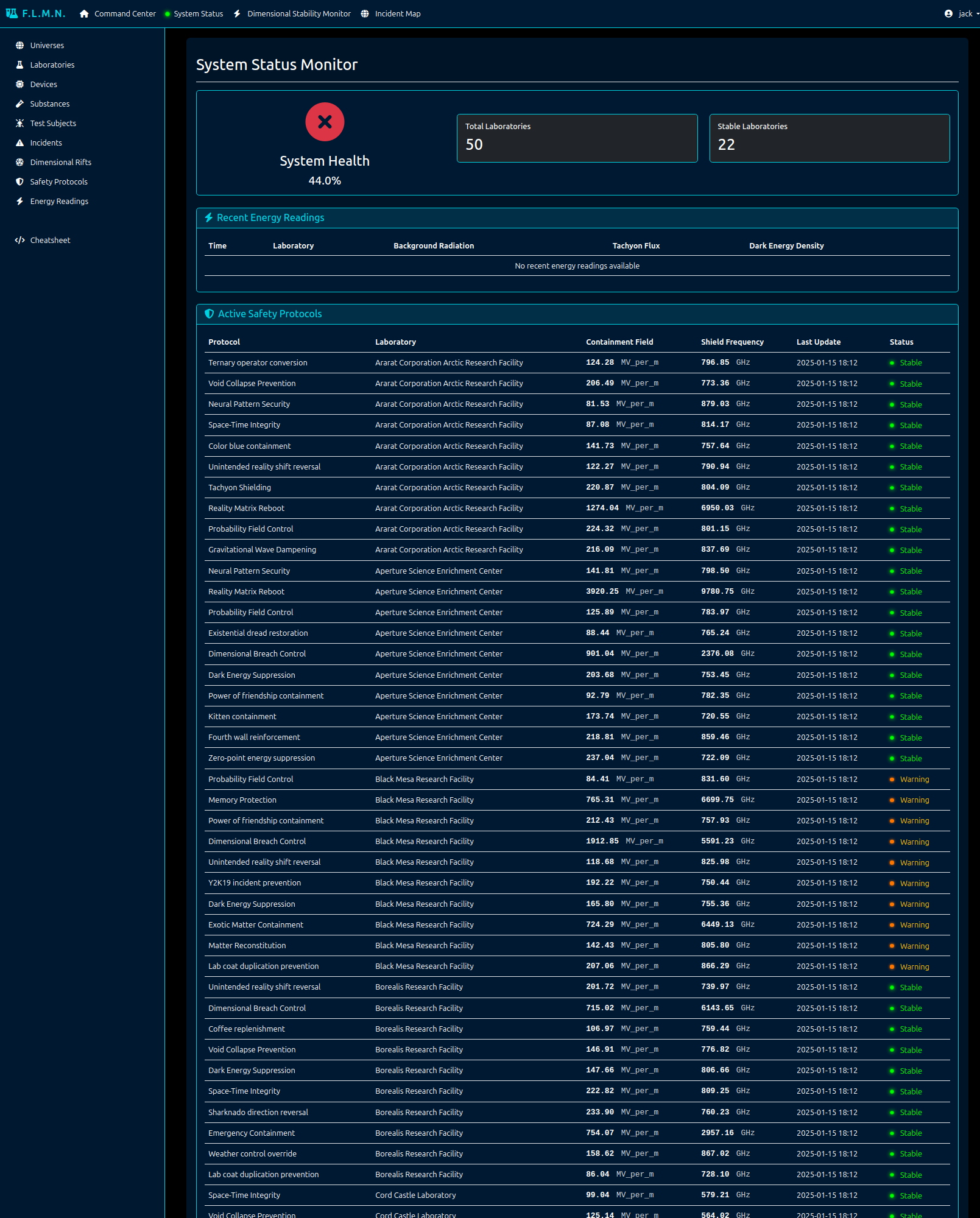
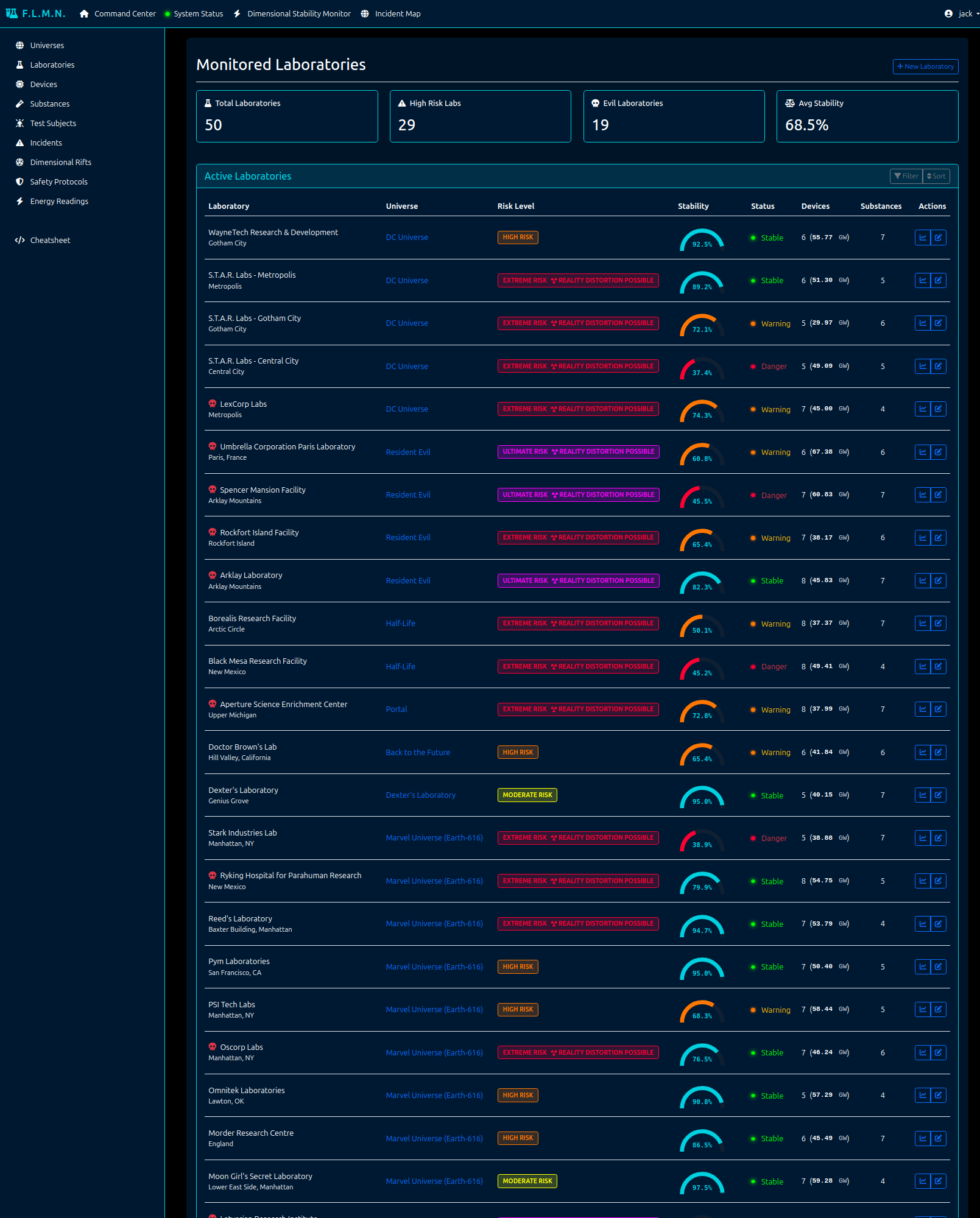
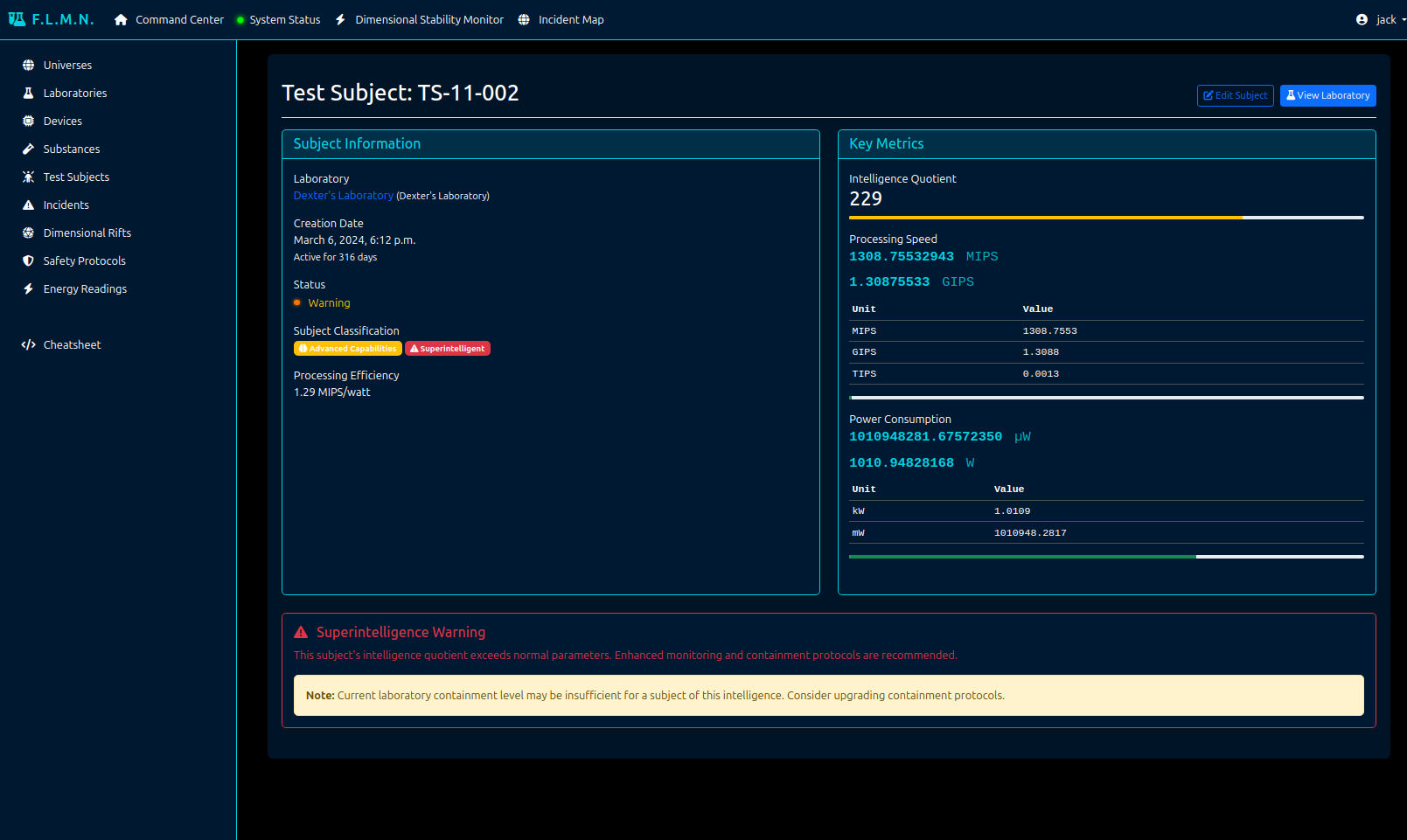
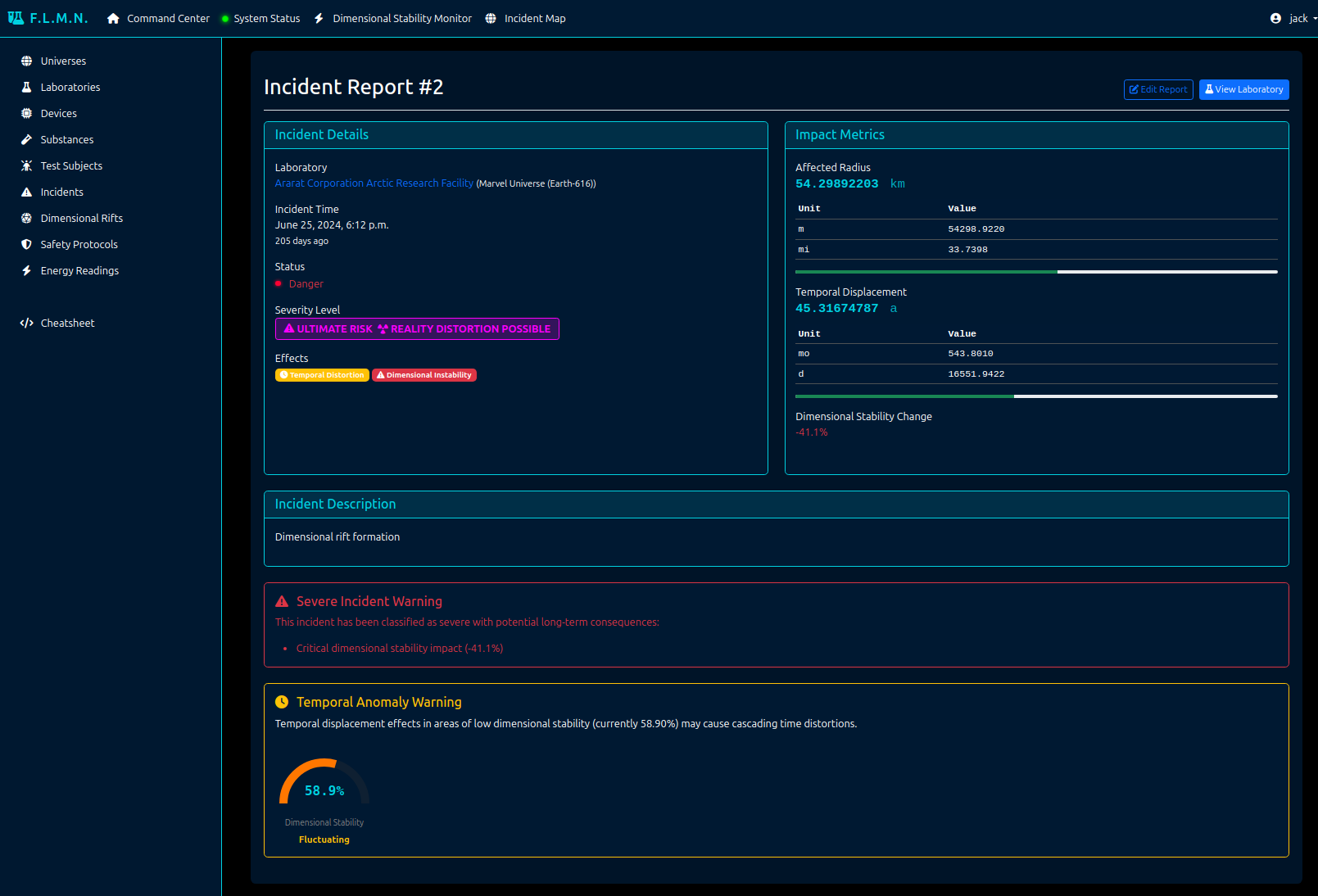
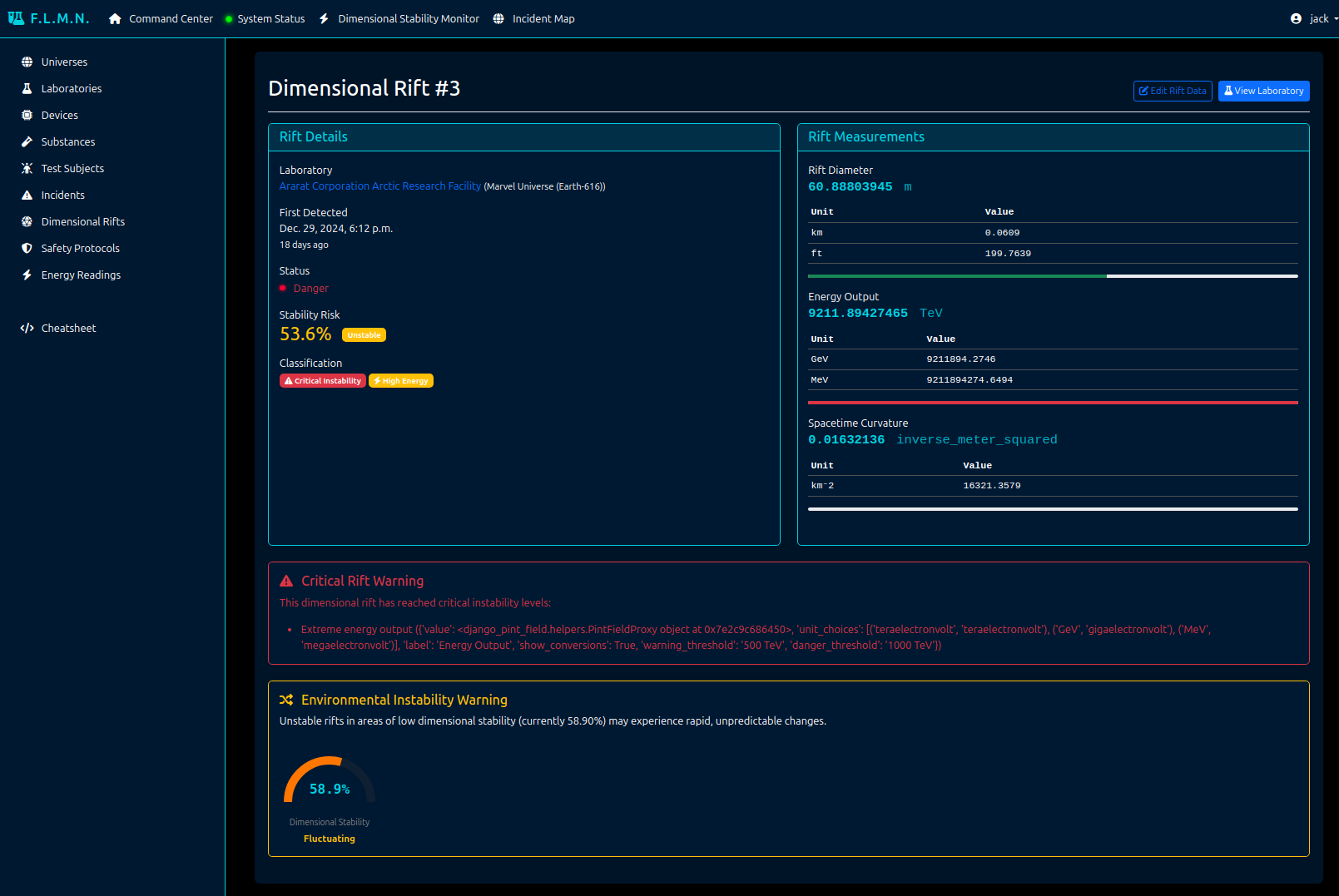
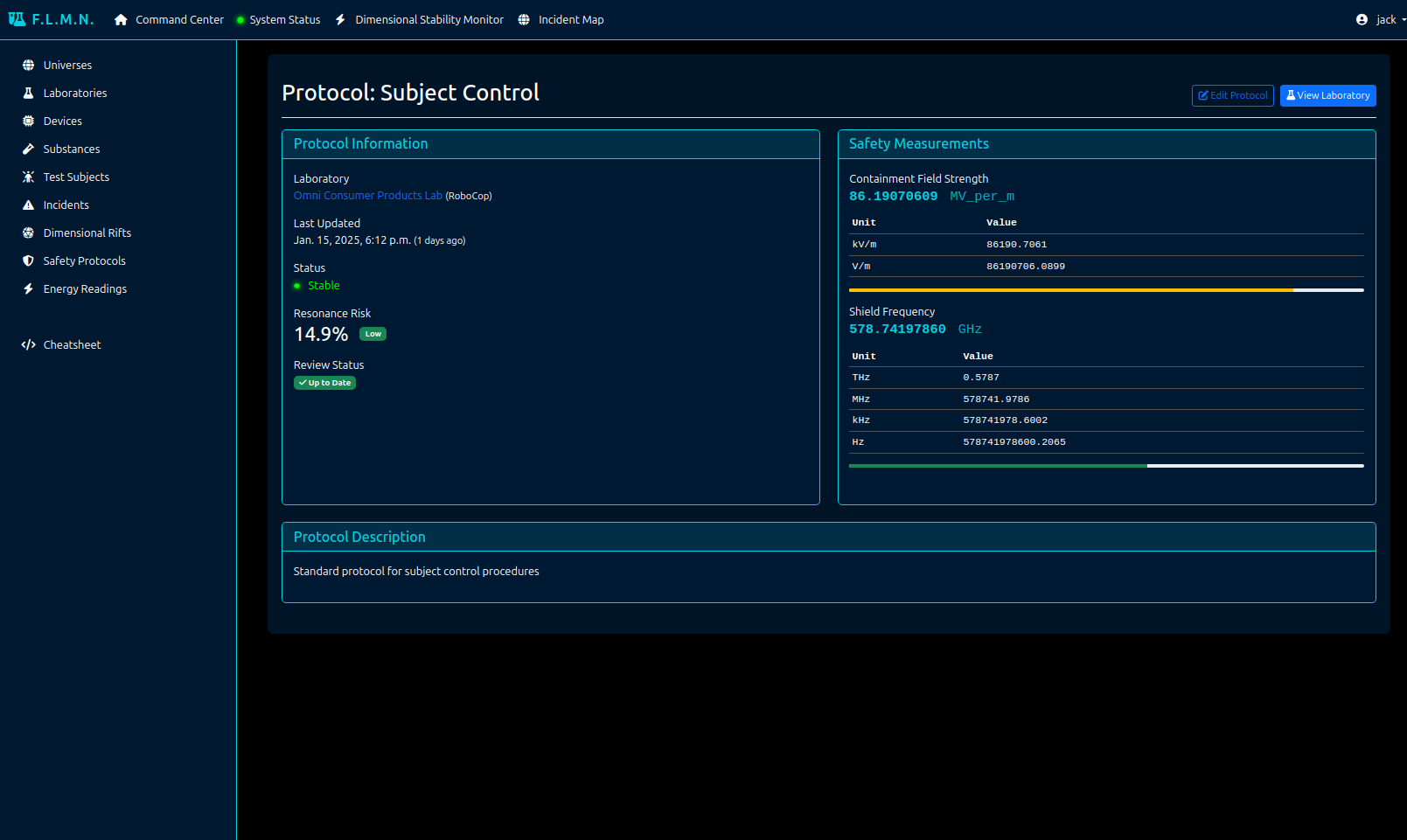
The Fictional Laboratory Monitoring Network (F.L.M.N.), aka laboratory app provides a full-featured fictional laboratory tracking management system that showcases realish-world usage of django-pint-field in a complex application. It includes:
Interactive Dashboards: Real-time monitoring of laboratory metrics, dimensional stability tracking, and incident mapping.
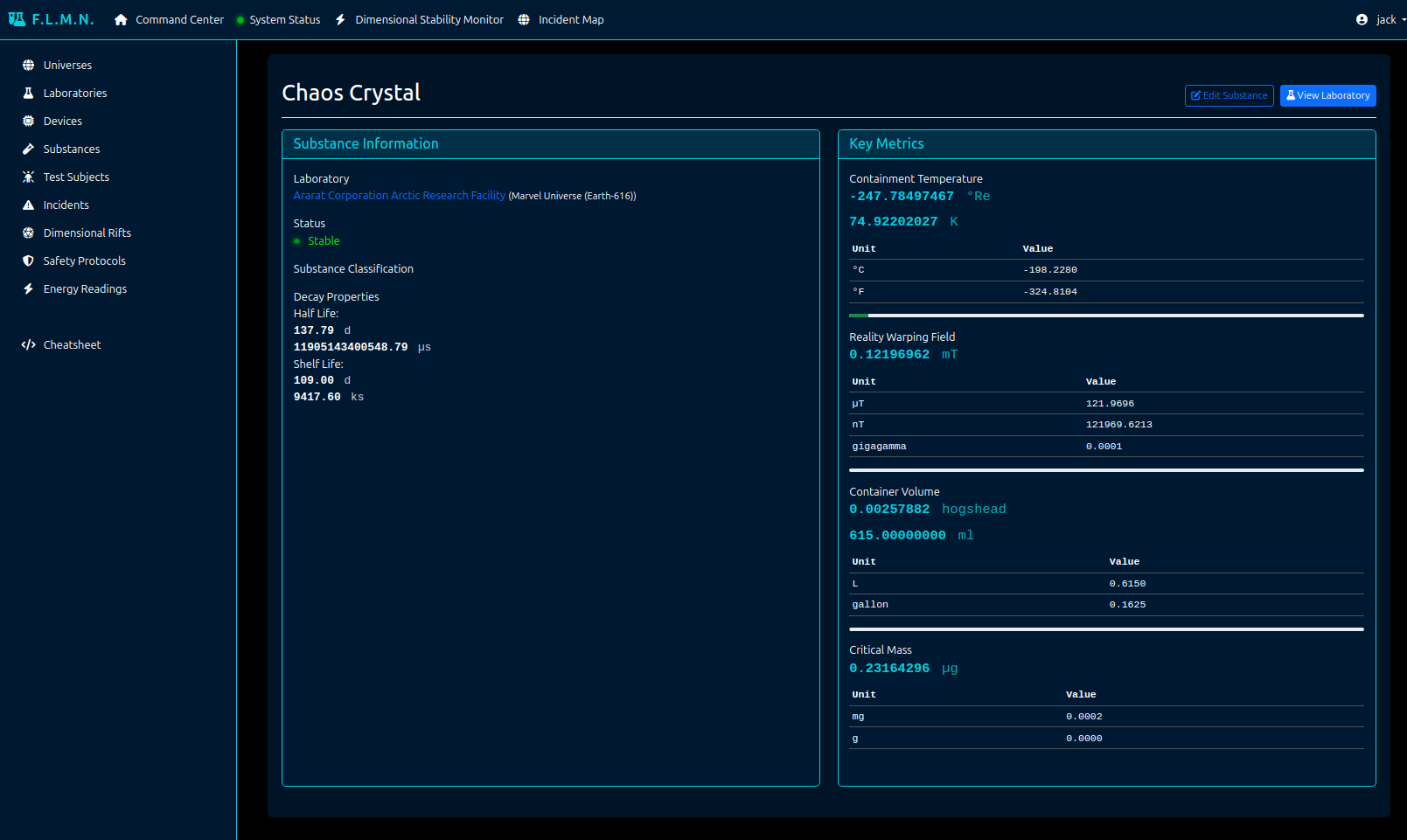
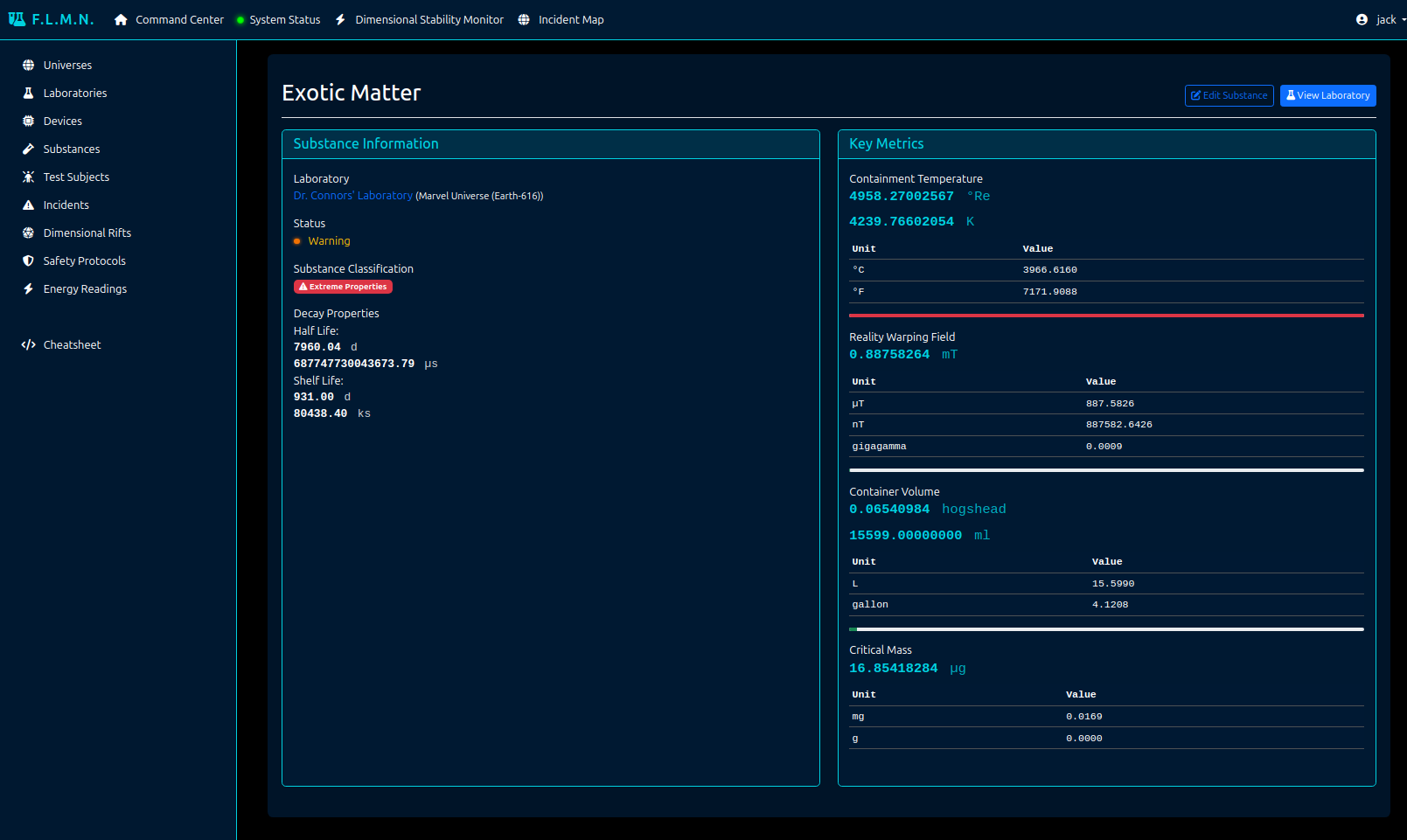
Laboratory and Universe Management: Managing laboratories, universes, equipment, substances, and more.
Management Commands: Commands for data population and feature demonstration.
Getting Started
Prerequisites
Docker and Docker Compose installed on your system
Git (to clone the
django-pint-fieldrepository)
Setting Up the Project
Clone the Repository:
git clone https://github.com/OmenApps/django-pint-field.git
cd django-pint-field
Build and Start the Containers:
docker compose up -d --build
This will start three containers:
Django development server (accessible at http://localhost:8115)
PostgreSQL database
Redis server (for caching)
Create a Superuser: If you want to view the admin, you will need to create a superuser account.
docker compose exec django python manage.py createsuperuser
Access the Application:
Main application: http://localhost:8115
Admin interface: http://localhost:8115/admin
Management Commands
The laboratory app includes two management commands:
Populate the Database: Adds lots and lots of example data.
docker compose exec django python manage.py populate
Demonstrate Features: Displays a cheatsheet in the console to view examples of how to manipulate and display pint field values in the console or code.
docker compose exec django python manage.py cheatsheet
Access the cheatsheet through the UI at: http://localhost:8115/cheatsheet/
Running Tests
To run the test suite:
docker compose exec django pytest
For coverage report:
docker compose exec django coverage run -m pytest
docker compose exec django coverage report
Key Features to Explore
Measurement Systems
Handling various units of measurement
Custom unit definitions in
settings.pyUnit conversion capabilities
API Integration
REST framework serializers with
django-pint-fieldDjango Ninja integration
Dashboard Features
Laboratory Management
Universe and laboratory administration
Tracking and reporting on
Laboratory status (pic)
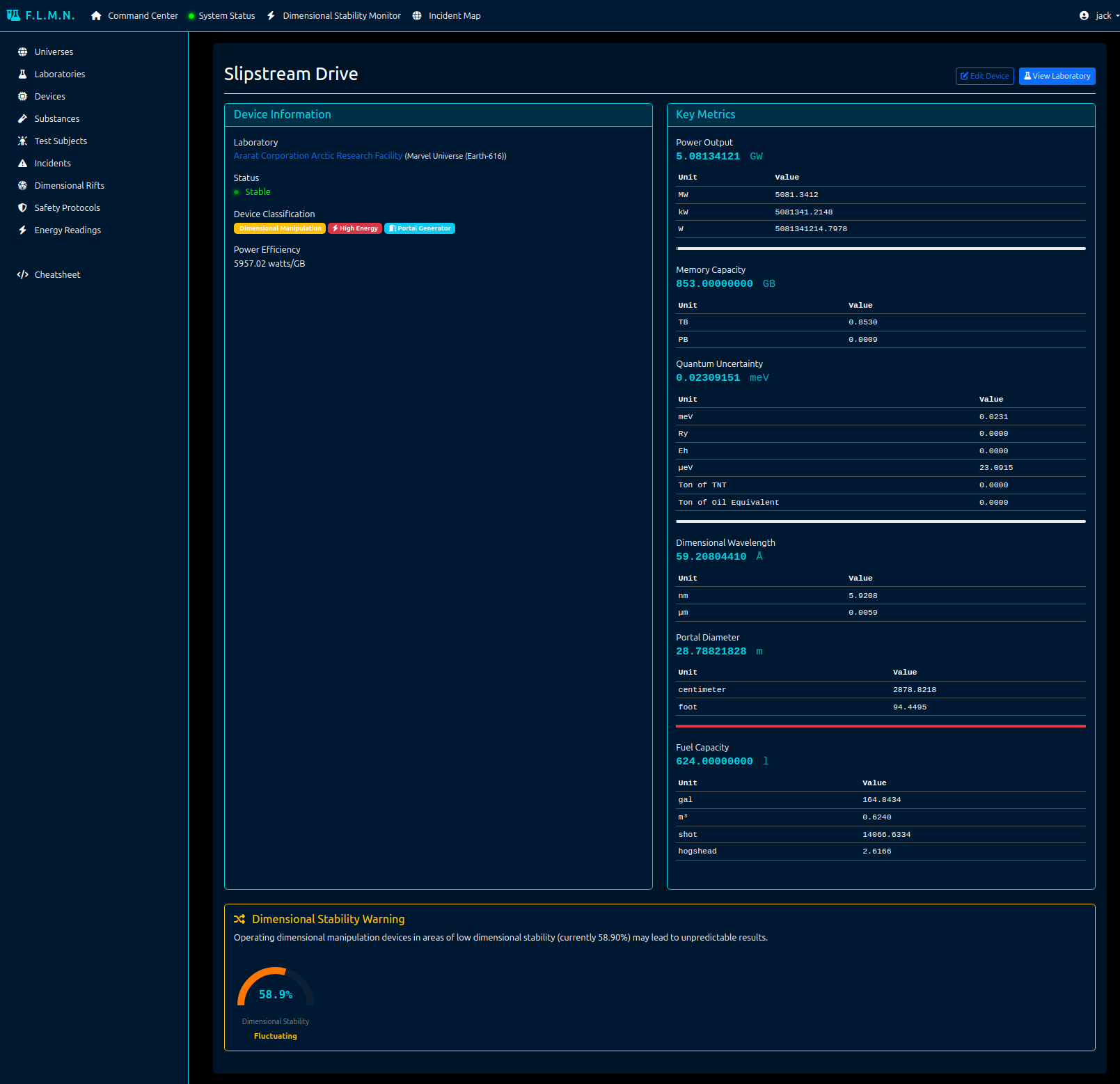
Experimental Devices at each laboratory (pic)
Test Subjects present at each lab (pic)
Incidents that have occurred at each lab (pic)
Dimensional Rifts caused by or affecting each lab (pic)
Safety Protocol that F.L.M.N. personnel may need to apply based on incidents that occur (pic)
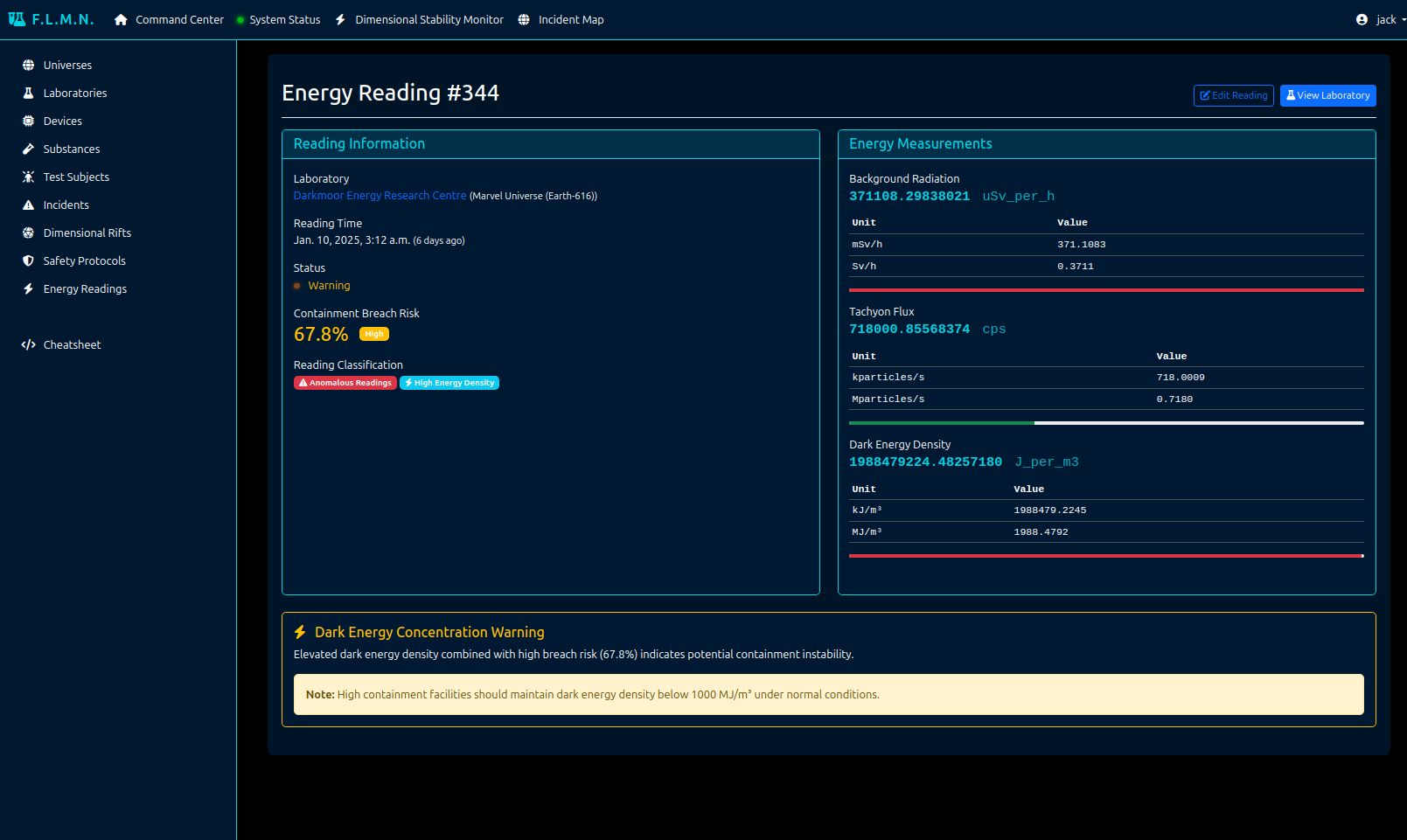
Energy Readings at each lab (pic)
Cache Integration to Validate Serialization/Pickling
django-cachalotdjango-cacheopsRedis-based caching configuration
Additional Information
Admin Interface: The Django admin interface provides a way to manage the data in the
exampleandlaboratoryapps. You can view and edit models likeIntegerPintFieldSaveModel,ExperimentalDevice, andAnomalousSubstance.Templates: The
laboratoryapp includes various templates that demonstrate how to display Pint quantities in a user-friendly way. These templates use custom filters and tags provided bydjango-pint-field.APIs: The
exampleapp provides API endpoints using both Django REST Framework and Django Ninja.Caching: The project is configured to use Redis for caching, with
django-cachalotandcacheopsfor testing of database query caching.Custom Units: The project defines several custom units in the
settings.pyfile, which can be used in the models and templates.Testing: The project includes a comprehensive test suite that covers the functionality of
django-pint-fieldin various scenarios.